PET Packaging Insights

Reading a Bottle Drawing: The 6 Specs for an Instant Preform Match

By , PET preform and closure manufacturer, Egypt · Updated

You don’t need to send a drawing back and forth to get a preform recommendation. Six values, read straight off your bottle drawing, are enough for an instant, rule-based match.
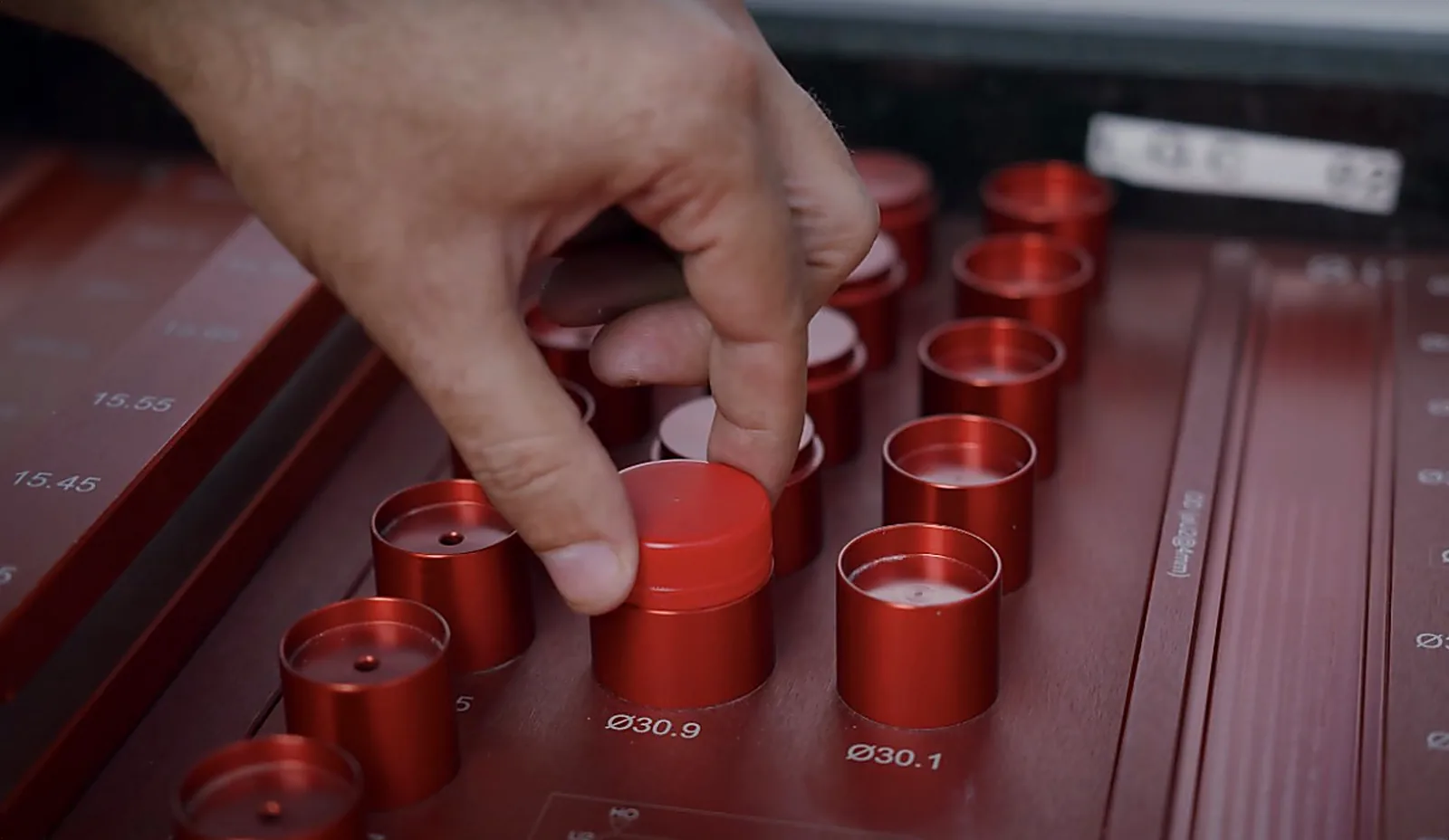
QC inspector placing a neck-finish gauge into a calibrated tray to verify preform dimensional tolerance at Delta El Nile for Industry
Calibrated neck-finish gauges in our QC lab, used to check preform neck dimensions. More about our plant →

The six specs

Bottle volume (ml), neck finish (e.g. PCO 1881, 29/25), current/drawing preform weight (g), bottle height (mm), body diameter (mm) and annual quantity. Volume + neck alone give a match; the dimensions add the stretch check; weight + quantity add the savings.

Where to find them

The title block usually lists capacity and neck spec; the dimension callouts give overall height and body diameter; the preform weight is on the matching preform sheet. Annual quantity is your own forecast.

Why typing beats auto-reading CAD

Many brand drawings are CAD exports with no readable text — auto-extraction can’t see line-art dimensions. Reading the six values yourself takes ~30 seconds and is exact. Enter them in the Preform Engineering calculator for a matched Delta preform, the stretch fit and the saving.

Frequently asked questions

What do you need from my bottle drawing?

Six values: volume (ml), neck finish (e.g. PCO 1881, 29/25), current or drawing preform weight (g), height (mm), body diameter (mm) and annual quantity. Volume plus neck give a match; dimensions add the stretch check; weight plus quantity add the saving.

Why type the specs instead of uploading a CAD drawing?

Many brand drawings are CAD exports with no readable text layer, so automatic extraction cannot see the vector dimensions. Reading the six values yourself takes about 30 seconds and is accurate.

Ready to specify?

Find your exact SKU and build an audit-ready RFQ in minutes.

Open Product Finder →Build an RFQBrowse PET Preforms →Plan it in PackFit 360 →Talk to our team